IP-STB Boot Loader Configuration Menu
These steps are required to enter the boot loader configuration menu.
Main flow
-
While the Splash screen is visible, press the MENU button on the remote control or the keyboard.
-
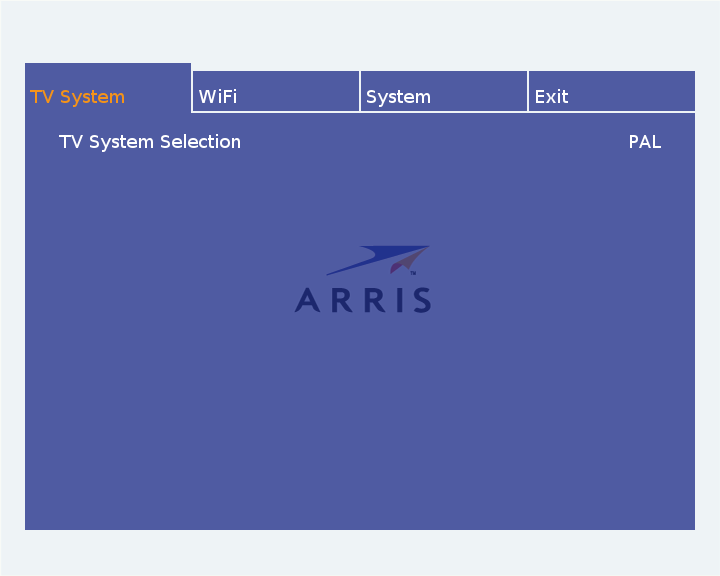
If the settings and connections are correct a configuration settings
dialog similar to the one presented below (depending on the configuration
of your KreaTV IP-STB) will appear.
-
Use arrow LEFT and RIGHT buttons to navigate. Select an option by pressing OK or
arrow DOWN button. Available options are:
-
TV System. Change the tv system, i.e
between PAL and NTSC.
-
IP. IP Configuration (hidden by default).
-
WiFi. WiFi Configuration.
-
System. System information and maintenance.
-
Self Test. STB Self Test (optional feature).
-
Exit. Exit and reboot.
-
Use arrow UP or BACK button to return.

