| ARRIS Enterprises, Inc. Confidential Information |
Boot Image ConfigurationTo successfully work with multiple application support, a few things need to be configured in the boot image. With this configuration it is possible for the portal to load URL's to third-party web services in the secondary browser, and switch applications. Example primary applicationAn example UI is provided in the SDK which shows how to work with the TOI API and management of multiple applications. A complete set of tutorials based on this example portal is available here. 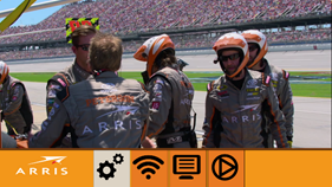
Example portal showing the ARRIS racing video Example secondary applicationThe KreaTV SDK includes an example integration of a third-party web app in 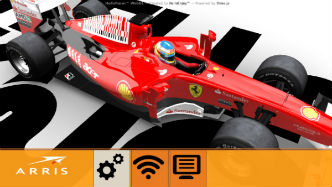
The example secondary web app, with the portal on top Instructions for building this integration are provided in the integration page. |

