• Quick Start
  • Booting
  • Platform
  • Portals
  • References
    • API Reference TOI3
    • IIP Reference
  • Resources
ARRIS Enterprises, Inc. Confidential Information

ARRIS boot loader menu

During the initial boot up, when the DBL is running, it is possible to press MENU on the remote control to enter into the boot loader menu system.
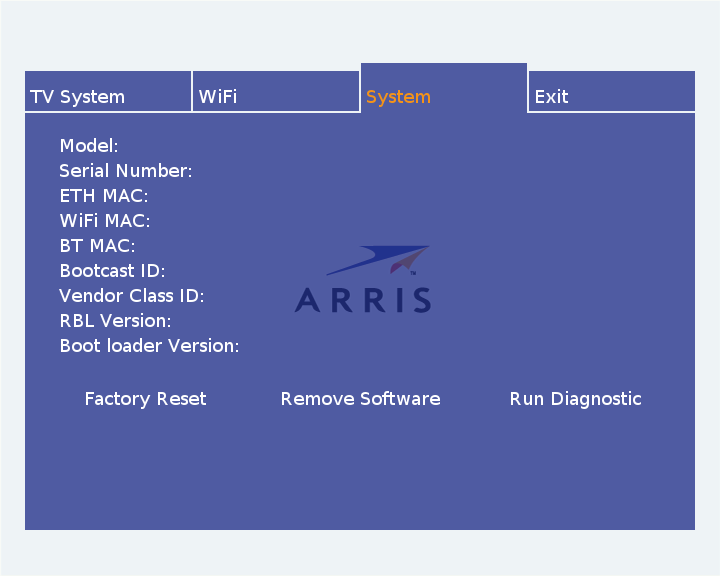
Here you can perform a Factory Reset (removing any configuration options which have been previously set through the XML manifest), Remove Software (removes any saved boot image from the flash memory), and run a boot loader diagnostic. Some details about the particular STB are also shown here, including its model, MAC address, boot loader version, and the Bootcast ID. These parameters are transmitted to the boot server when requesting a boot image, so the server can decide on the appropriate boot image to supply to particular STBs.

Wi-Fi configuration

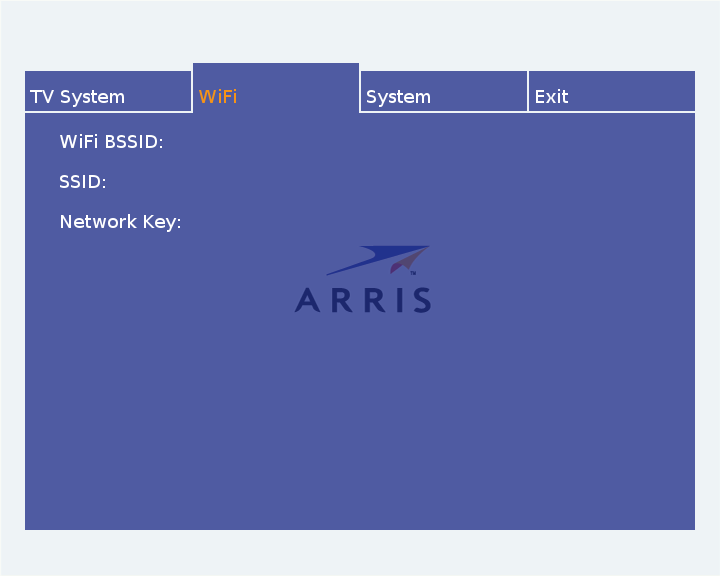
In some situations the STB can boot up without a connected ethernet cable, without a boot image in its flash memory, and no information on which Wi-Fi network to connect to. Before it is able to download any software it needs to establish a network connection, so the ARRIS Boot Loader also features a simple Wi-Fi configuration tool, which is able to scan for SSIDs and perform WPS authentication. An on-screen keyboard is also provided so the end user can enter hidden SSIDs and passwords.

It's possible to disable/hide this menu by setting the WifiWizardDisabled configuration option to yes. It's possible to disable all the boot loader menus by setting MenuHidden to yes.

5.1.1.p8

Copyright (c) 2018 ARRIS Enterprises, LLC. All Rights Reserved. ARRIS Enterprises, LLC. Confidential Information.