Status messages
During the boot up sequence, the ARRIS boot loader displays messages on the screen, showing the current status of boot image download, saving, and any errors which may have occurred. Below follows a description of the different status messages available.
| Message Name |
Name |
Default Text |
Description |
| Wait For Link |
StatusmsgWaitForLink |
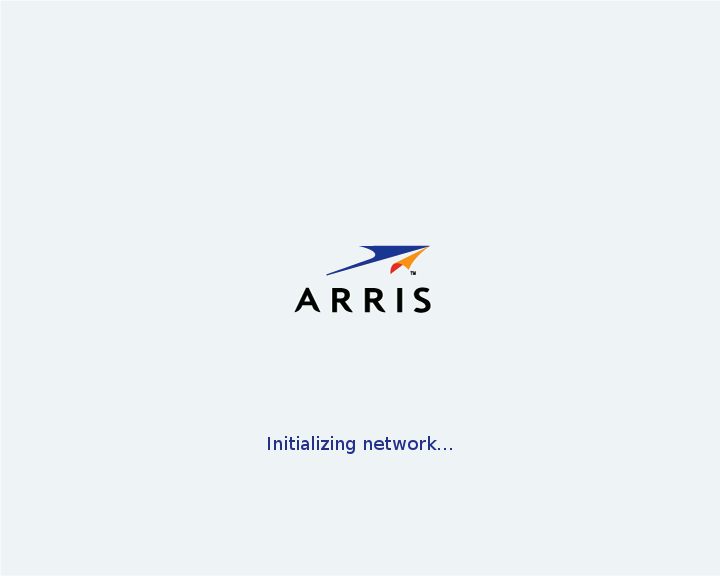
Initializing network... |
The 'wait for link' message is displayed until the network has been initialized. |
| Network Failure |
StatusmsgNoNet |
Error 1: Could not connect to the network. Please check the network connection. |
The network failure message is displayed when there is no network available, i.e. no link is detected, and no valid images are present in the NAND flash memory. This message is cleared as soon as the network link is initialized. |
| DHCP Failure |
StatusmsgNoAddr |
Error 2: Could not get an IP address. Please check the network connection and restart both the gateway and the STB. |
The DHCP failure message is displayed when DHCP is selected as the IP resolution method to use, the network has been correctly initialized but there is no answer from the DHCP server. |
| Downloading |
StatusmsgDownloading |
Downloading software... |
The downloading message is displayed during download of the KreaTV Boot image to inform the user that new software is being downloaded. A percentage bar is also shown on-screen at this time, indicating the download progress. |
| Load Failure |
StatusmsgLoadFailure |
Error 3: Could not download the system software. Please check cables on the gateway and restart both the gateway and the STB. |
The load failure message is displayed if a timeout occurs during network downloading of the software image. As soon as valid data is received, this message is cleared. |
| Updating |
StatusmsgUpdating |
Updating software, please wait... |
The updating software message is displayed while the newly downloaded bootimage is being stored to the STB's flash memory. |
| Launching |
StatusmsgLaunching |
Starting the software... |
The launching message is displayed when the boot image is being launched. |
| Software Failure |
StatusmsgNoSW |
Error 4: Could not start the system software. Please check cables on the gateway and restart the gateway. |
The software failure message is displayed before the STB reboots. It occurs when all downloading attempts have failed and/or the signature of a software image is incorrect. The STB then reboots to hopefully get better boot parameters from the DHCP server. |
Status Message Example
Language Customization
Please contact KreaTV Technical Support for help with localization tasks.

