| ARRIS Enterprises, Inc. Confidential Information |
Example Portal Overview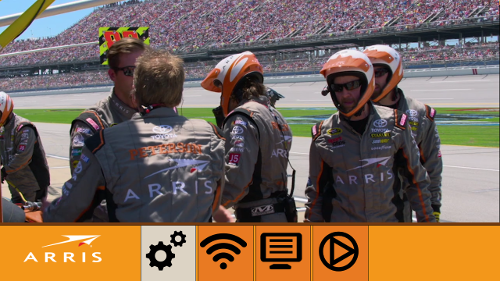
The example portal, showing a video of the ARRIS racing team IntroductionThe KreaTV SDK includes an example portal designed to illustrate how the TOI API works. The example code implements a simple TV viewing application, with volume control, channel zapping, audio track and language selection and a few other features. It is designed to be easy to read and understand, and should help you get started with using TOI. File layout
The example portal is distributed as HTML and JavaScript files
in the KreaTV SDK. After installing the SDK
you should see the following directory structure in
├── index.css
├── index.html
├── index.js
└── modules
    ├── audio
    ├── keyboard
    ├── menu
    └── popup
Some ModulesEach module demonstrates how to accomplish a specific task with the TOI API. Disclaimer
This portal is written to be easy to read. It often performs tasks in a
less than optimal way, for the sake of clear readability. Most of the
|

