Configure IP-STB WiFi on supported models
These steps are required to change the WiFi settings.
Main flow
-
Enter Boot loader configuration menu.
-
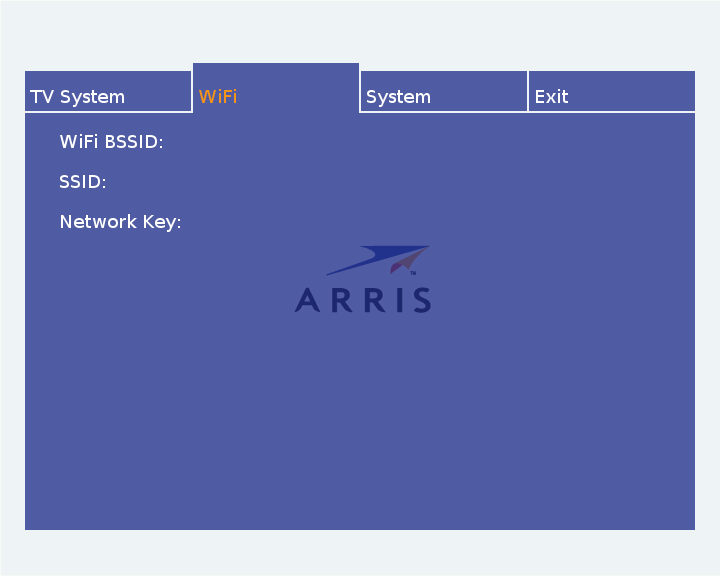
Select WiFi option, a configuration settings dialog similar to the
one presented below will appear.
-
Enter WiFi SSID and network key by pressing OK button and enter the values using the appearing on-screen keyboard. Use the Done option to return.
Network key will be displayed using asterisks (*) for security reasons. Reopen the on-screen keyboard by pressing OK button to verify the value. Return without making changes by selecting Cancel option.
-
Return to the main menu by pressing arrow UP or BACK button. Select Exit option to save and reboot. Make sure ethernet cable is removed to make the IP-STB switch to WiFi interface.

