Configure IP-STB TV System
These steps are required to change the TV system, i.e between PAL and NTSC.
Main flow
-
Enter firmware configuration menu.
-
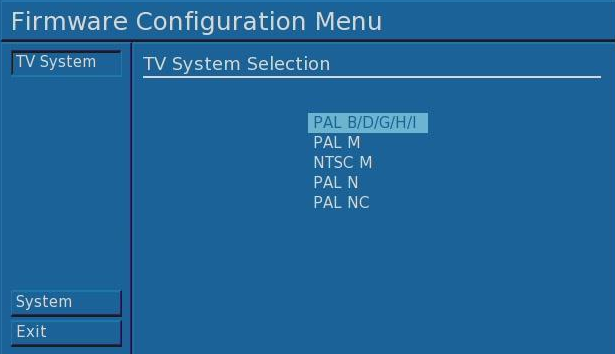
Select TV System option, a configuration settings dialog similar to the
one presented below will appear.
-
Use arrow UP and DOWN buttons to toggle between PALs and NTSC.
-
Select Exit option to save and reboot.
|

